In the year 2026, I find myself wandering through the hauntingly beautiful ruins of a world that once was. Once Human didn't just arrive on the scene; it exploded into our lives, a true dark horse that captured our collective imagination. As a free-to-play open-world shooter, it offers an experience so rich, so utterly immersive, that it feels less like playing a game and more like living a second, post-apocalyptic life. And in this life, I've found my calling not just as a survivor, but as an artist, a chronicler of decay and fleeting beauty. The game's built-in Photo Mode is my brush, and this broken world is my canvas.
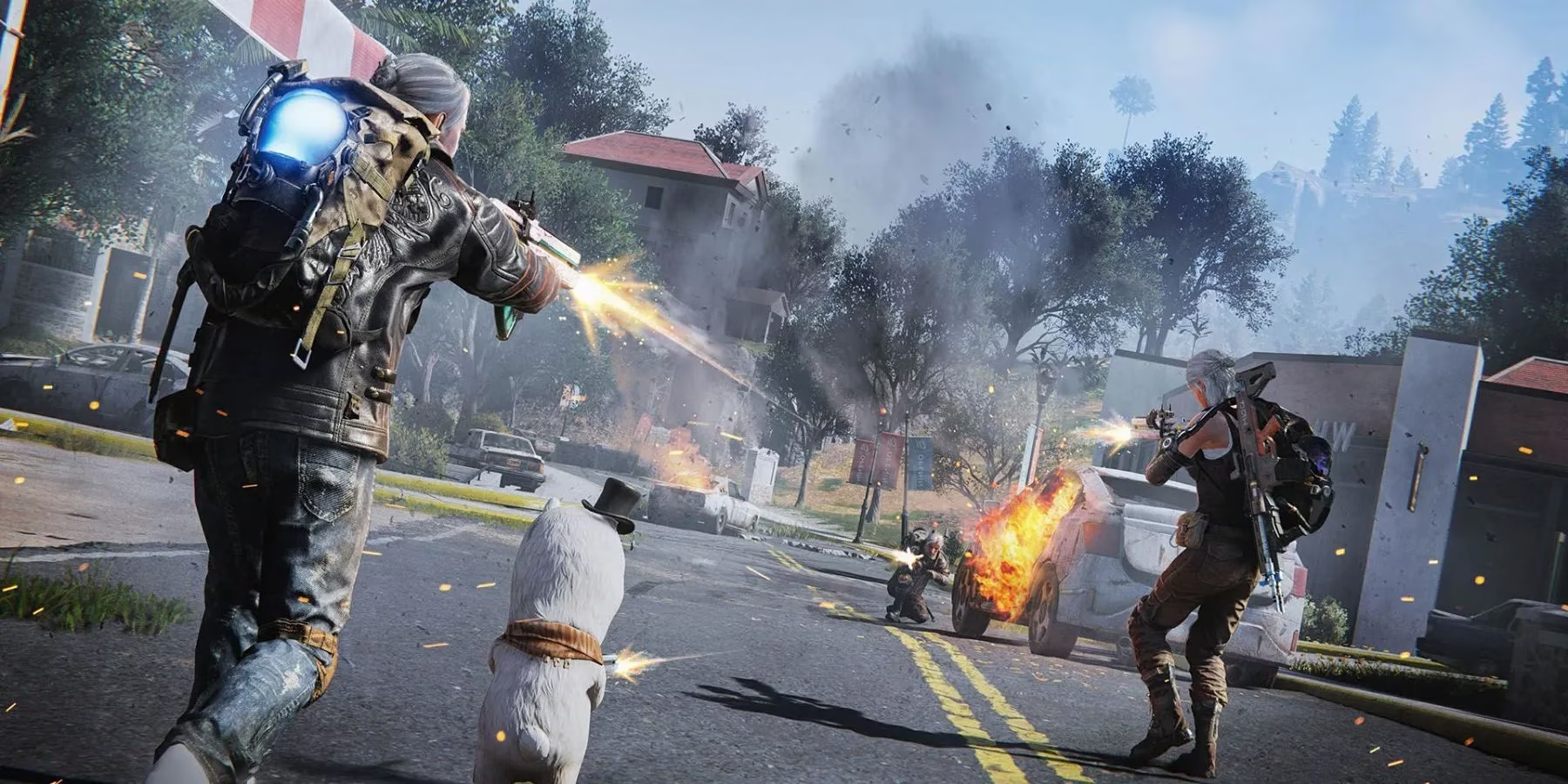
Let me tell you, this feature is a game-changer, a hidden gem that many folks don't even realize is available from the get-go. It's not just about snapping pics; it's about crafting memories, telling stories without words. So, here's the lowdown, straight from my own experience, on how to become the Ansel Adams of the apocalypse.
The Magic Key: Accessing Your Inner Photographer
The process is smoother than a well-oiled rifle. Here's my go-to ritual:
-
Hold down the Tab key. This brings up the radial menu—your gateway to all things creative.
-
Select the Camera icon. It's usually nestled among your tools and items. Click it, and... voilà! The world freezes, the UI melts away, and you're in control.
-
Dive into the settings. This is where the magic happens. Play with:
-
Field of View (FOV): Widen it for epic landscapes, narrow it for intimate, dramatic portraits of a rusted car or a lone, twisted tree.
-
Filters & Effects: Add a grainy, film-noir vibe or boost the colors to make a sunset over toxic waters pop.
-
Focal Length & Depth of Field: Blur the background to make your character—or that terrifying new enemy—stand out in stark relief.
-
-
Press Enter to capture the moment. You'll get a sweet preview, and the shot is automatically saved to your personal album. It's that easy!
Your Digital Gallery: The Album (N Key)
Pressing N opens your personal museum. This isn't just a folder; it's a command center for your art.
| Action | Purpose | My Personal Touch |
|---|---|---|
| View & Sort | Organize by date, theme, or just browse nostalgically. | I have albums for "Eerie Silence," "Battlescarred," and "Glimmers of Hope." ✨ |
| Delete | Curate your collection. Not every shot is a masterpiece! | Out with the blurry, in with the sublime. |
| Upload & Share | Show off your work to friends and the community. | Nothing beats the feeling of someone saying, "Whoa, you took that?" |
| Place in Territory | This is the coolest part. Decorate your home base with your photos. | My shelter's walls are lined with my best shots—it makes the place feel truly mine, a gallery of my journey. |
Pro-Tips & Pitfalls: From a Seasoned Shutterbug
-
Steam's F12 vs. Photo Mode: Sure, you can hit
F12for a quick Steam screenshot. But let's be real—it's a total amateur hour move. That method leaves all the UI clutter (health bars, ammo counts, quest markers) plastered all over your beautiful composition. For a clean, cinematic shot, Photo Mode is the only way to go. No ifs, ands, or buts. -
Timing is Everything: The in-game day/night cycle and weather are your best friends. A storm rolling over the mountains? Perfect. The golden hour light filtering through broken skyscrapers? Chef's kiss. Wait for those moments.
-
Tell a Story: Don't just take pictures of things. Capture moments. A friend staring out at the horizon, your base at dawn with smoke rising from the chimney, the eerie glow of an anomaly. These are the shots that hit you right in the feels.
This feature is, hands down, one of the most underrated aspects of Once Human. It doesn't get the attention it deserves, but for those of us who use it, it adds a profound layer of depth to the game. It's not just about earning rewards (though that's a nice bonus!); it's about making your mark on this digital wasteland, about preserving beauty in the bleakness. So go on, grab your "camera," and start shooting. The apocalypse has never looked so good. 😉
Comments